Which CMMS Fits Your Hotel Maintenance App?
Hotel Maintenance Workflows and System Requirements
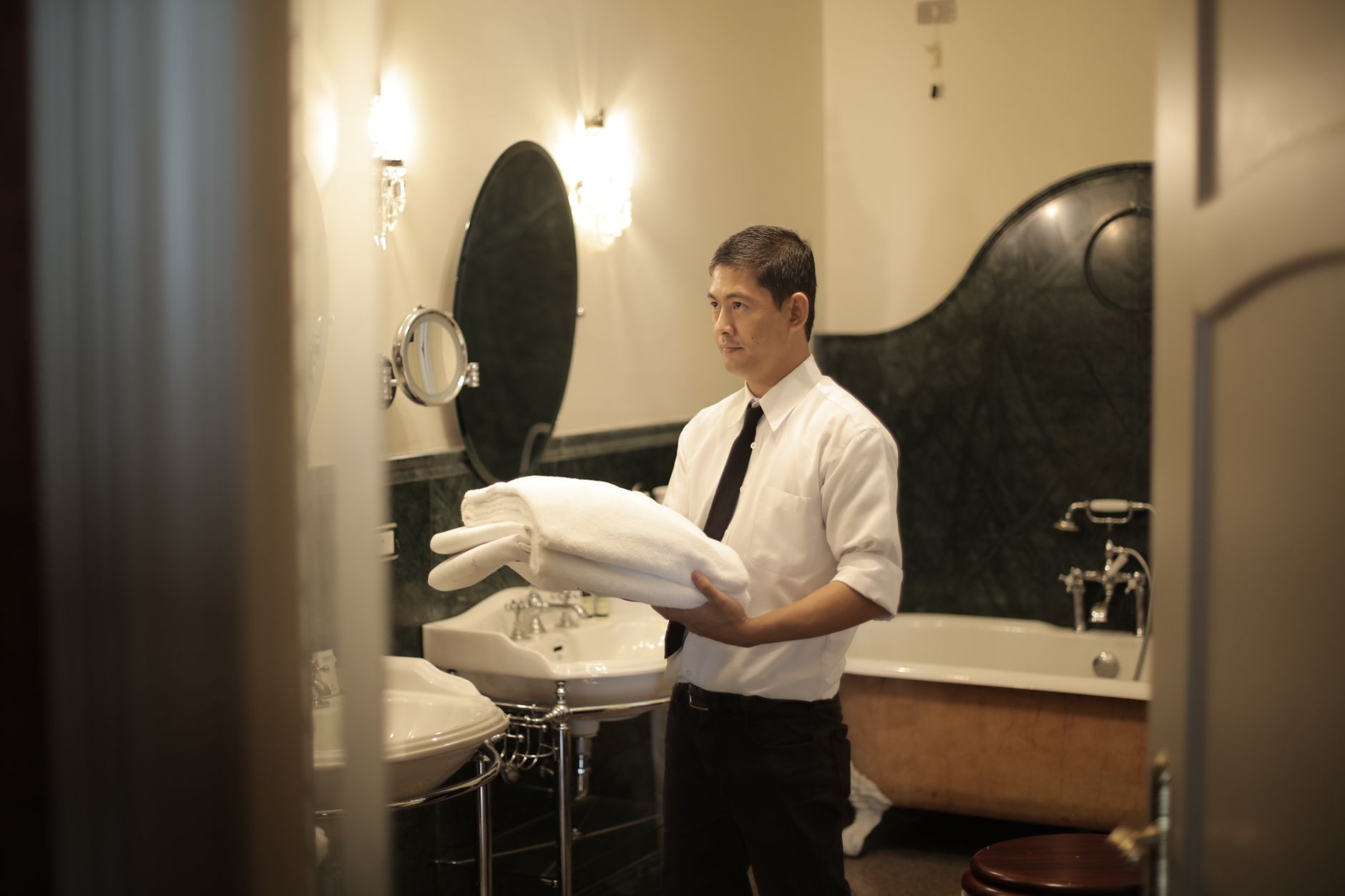
Hotel maintenance teams handle dozens of work orders each day, from guest room turnarounds to urgent HVAC failures that affect stays. Shift changes, multiple building zones, and the need for fast response make hospitality different from other facilities. A generic CMMS comparison often overlooks these daily pressures. A hotel maintenance app must support quick mobile reporting, clear technician routing, and reliable offline access when connectivity drops in basements or service corridors.
The right hotel maintenance app also tracks spare parts across multiple storage points and produces audit trails for safety inspections. Without these features, teams stay stuck with paper logs and delayed handovers between shifts.
Hotel owners and maintenance directors usually narrow options by testing how each hotel maintenance app handles incident capture during peak hours and how easily technicians adopt the mobile interface on the floor.
Direct Comparison of Core Capabilities

Three main platform types appear most often in hotel evaluations: CMMS tools built around mobile work orders, facilities management system software focused on asset records, and mixed platforms that combine both strengths. The table below shows how each type typically performs on the tasks that matter most to hotel teams.
| Capability | CMMS with mobile work orders | Facilities management system software with asset focus | Mixed facilities + asset platforms |
|---|---|---|---|
| Mobile incident capture and offline mode | Strong; photos and notes sync when back online | Moderate; some apps require constant connection | Strong; usually supports offline forms and photos |
| Work order lifecycle | Fast assignment and close-out on mobile | Detailed history tied to equipment records | Balanced speed and asset linkage |
| Preventive maintenance scheduling | Basic recurring tasks | Calendar and meter-based triggers | Both options plus condition alerts |
| Spare parts and inventory support | Simple stock checks per location | Full inventory with reorder points | Combined view across sites |
| Technician dispatch and scheduling | Shift-based routing tools | Skill and certification matching | Both plus real-time location |
| Multi-site support | Good for single property groups | Enterprise dashboards standard | Flexible across property portfolios |
| Reporting for compliance | Work order summaries | Asset performance and audit exports | Custom compliance packs |
| Integrations with building automation or ERP | Limited connectors | Strong ERP and BMS links | Broad API options |
| Role-based permissions | Basic user roles | Detailed access controls | Granular by zone and trade |
| Implementation effort | Usually weeks for one property | Months for full asset registry | Four to twelve weeks depending on scope |
Hotel teams that test a hotel maintenance app often notice the speed advantage during busy turnovers via a cmms android app. At the same time, facilities management system software shines when the focus stays on long-term equipment health across guest rooms, kitchens, and pools. Mixed platforms sit in the middle and tend to require more upfront configuration.
Trade-offs Hotel Teams Commonly Encounter

CMMS tools with strong mobile work orders deliver speed for daily incidents but can lack deep asset history. Technicians close tickets quickly, yet parts usage and failure trends stay harder to track over time when a hotel maintenance app is missing those links. Facilities-first systems give clear visibility into equipment life cycles yet sometimes slow down simple guest requests because the interface carries extra fields.
Mixed platforms reduce these gaps but raise setup time and training needs. Many hotels start with a single zone pilot to measure adoption before expanding. Typical trade-offs include longer initial configuration versus faster daily use once the system is live. A closely related walkthrough, How preventive maintenance in maximo uses work orders, picks up where this section ends.
Implementation effort also varies by the number of buildings and the depth of asset data imported at launch. Teams that already use building automation systems usually prefer platforms with ready connectors rather than building custom links later.
Choosing a hotel maintenance app for Daily Operations
Most directors begin by listing their top five pain points, such as lost work orders between shifts or slow parts lookup. They then map those points against the table rows above. A short pilot on one floor or one building gives real usage data before a full rollout decision.
Cost comes into play through licensing, mobile device needs, and ongoing support when choosing a hotel maintenance app. Some platforms charge per technician while others use site or asset counts. Reviewing these models against current headcount helps avoid surprise fees after the first year.
Integrations with existing property management or accounting systems matter for larger groups. A platform that pulls room status automatically reduces duplicate entry and keeps technicians focused on the floor rather than on data re-entry.
Teams often find that platforms discussed at vardian.io handle these hotel-specific flows without heavy customization. The same evaluation checklist works whether the property has 80 rooms or 400.
Related Subtopics
- cmms android app validation steps
- equipment maintenance tracking app data fields
- mobile enterprise asset management requirements
- online maintenance request system rollout stages
- mobile software maintenance contract review points
Practical Next Steps for Your Property
Start with a one-week pilot that covers room turnarounds, one preventive task type, and incident reporting during a busy shift for any hotel maintenance app. Measure time from request to close, parts lookup speed, and technician feedback on the mobile screens. Use those numbers to compare the three platform types against your actual volume.
Request a current workflow checklist from vendors so you can see exactly which fields and steps would change. A focused pilot on a single maintenance zone keeps the test manageable while still producing usable data for the final decision.
How long does a typical hotel maintenance app pilot take?
Most single-property pilots run two to four weeks once the initial data import is complete. This window lets teams test peak periods, night shifts, and at least one full preventive maintenance cycle. Longer tests add little new information once daily patterns stabilize.
Which features matter most for guest-facing incidents?
Fast photo capture, simple priority flags, and offline mode rank highest. Technicians need to log a leaking faucet or HVAC complaint in under two minutes without hunting for fields. Clear dispatch to the nearest available person also reduces guest wait times during busy hours.
Do facilities management system software options require more training?
Yes, the asset-focused systems usually carry extra fields for equipment history and compliance data. Technicians who mainly handle quick fixes may resist the added steps unless the interface hides advanced options behind role permissions. Mixed platforms split the difference but still need structured onboarding sessions.
How do multi-site hotel groups handle inventory across properties?
They look for platforms that show real-time stock at each location and allow transfers between sites. Facilities management system software tends to lead here because inventory modules were built for enterprise use. CMMS tools can work if the group keeps parts lists small and centralized.
What integration is most valuable for larger properties?
Automatic room status updates from the property management system save the most duplicate entry. When a room flips to dirty or out of order, the maintenance app receives the alert without manual input. Building automation links for HVAC and lighting also cut response time on temperature complaints.
Can smaller hotels start with a lighter CMMS and upgrade later?
Many do. A basic mobile work order system meets immediate needs and can export data if the team later moves to a fuller facilities platform. The key is choosing a tool that stores work order history in a standard format rather than a proprietary one that blocks future migration.
You May Also Like
- Facility management system software features that prevent duplicate work orders
- Maintenance management for mining operations: choosing a software fit for harsh environments
- CMMS on Android for field crews: when mobile maintenance fails and what to fix
- Maintenance Request System Checklist for Mobile Field Crews: What to Capture at Intake
- Maintenance Decision Support System: When Automation Improves Triage (and When It Adds Noise)