Choosing Mining Maintenance Software for Harsh Environments
Mining maintenance software is only as useful as its ability to work where the mine actually is. A pit foreman standing next to a haul truck with a dead hydraulic pump does not care about dashboards. He needs to open a work order, log the failure, and get a fix moving before the shift is lost. Choosing a system that can do that, in dust, in dead zones, and under strict record-keeping rules, takes more care than most buyers expect.
Mining maintenance software is a category of tools that tracks work orders, equipment history, parts, and inspections for mine sites, and the best fits share a few traits: they work offline, sync cleanly, keep asset records consistent, and report on both planned and reactive work. The rest of this guide walks through a checklist you can score during a vendor evaluation.
Mining is one of the harshest environments for any operational system. Sites are often remote, with patchy cellular coverage and underground levels that have no signal at all. Equipment runs around the clock, and a single haul truck or crusher can hold up an entire production plan. When it breaks, the maintenance team needs answers quickly, and when an auditor or a regulator asks for records, those records need to be complete and trustworthy. Three conditions shape almost every requirement: mobile and offline use, downtime urgency, and the need to keep maintenance history consistent for compliance and planning.
What Mining Maintenance Software Must Handle on a Real Site
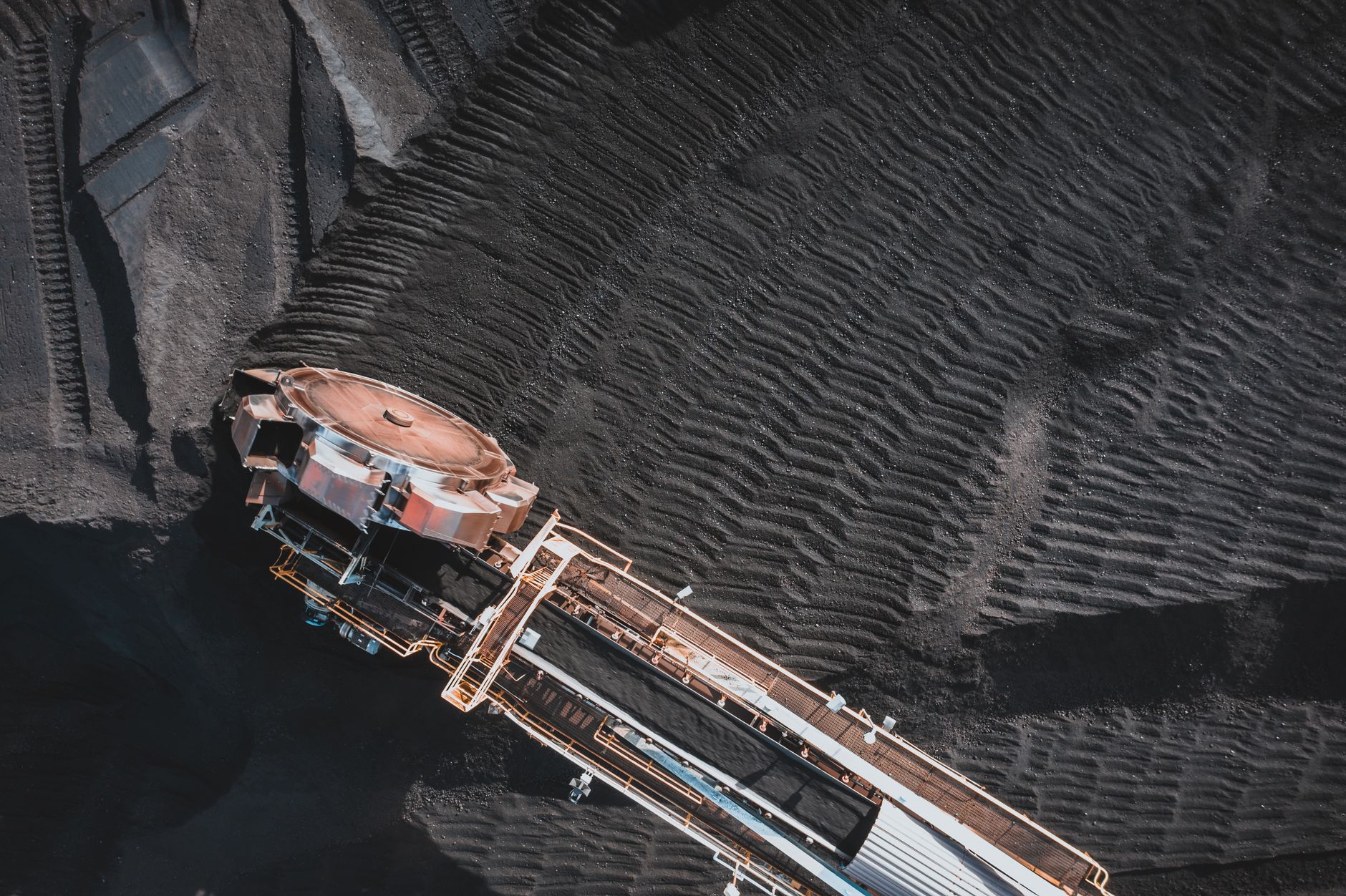
Most vendor demos happen on a stable Wi-Fi connection in a conference room. Real mine sites rarely look like that. A useful evaluation of mining maintenance software starts by asking what the system does when the network disappears, when a technician is three levels underground, or when the shift change comes with forty open tickets.
The answers to those questions separate tools built for mining from generic maintenance platforms that were designed for offices with reliable connectivity.
Breakdowns and work order speed: what the system must do in the first 15 minutes
When a conveyor stops or a loader goes down, the first quarter hour decides how much production gets lost.
The system should let a technician open a breakdown work order from a phone or rugged tablet in a few taps, without filling in a long form. Required fields should be minimal, with asset ID, failure symptom, and safety status captured up front.
Photos and a short voice or text note should attach to the record immediately, so the diagnosis is not lost to memory during the shift.
Good tools also route the ticket without manual dispatching. The planner should see the work appear on a queue that shows the asset’s criticality, the nearest available craft, and whether the required parts are on hand.
Ask the vendor to demonstrate this live, using a fake breakdown on a real asset template. Time how long it takes from the first tap to a dispatched job. If it takes more than a few minutes for a simple case, the workflow will fail under pressure.
Verification questions for this area:
- Can a technician open a breakdown ticket with three or four fields and no network connection?
- Does the ticket show asset criticality and safety status before the technician starts work?
- Can the planner see parts availability from the same screen used to dispatch the job?
- How many taps does a standard breakdown take, and can the vendor show that count on a device?
Offline-first data capture and sync reliability: how to prevent record loss
Offline capability is the feature that most mining buyers say they need and least often test properly.
An app that merely shows a cached screen when the network drops is not the same as one that captures new data locally and syncs it later without losing anything. Ask how the local database is stored on the device, how conflicts are resolved when two people edit the same work order, and what happens if the app crashes mid-save.
Sync reliability is where many systems quietly fail.
Records can duplicate, timestamps can shift, and attachments can silently drop when a connection returns in the middle of an upload. A solid platform queues every change, shows the user what is still pending, and confirms when each record has reached the server. Verify this by putting a test device in airplane mode, creating ten work orders with photos, then reconnecting and checking every record in the central system.
Verification questions for this area:
- Where is offline data stored on the device, and is it encrypted?
- What does the user see when records are waiting to sync?
- How are edit conflicts handled when two technicians change the same order?
- Are photos and attachments included in the offline queue, or only text fields?
Asset hierarchy and inventory links: so service history stays navigable
A haul truck is not a single asset.
It is a chassis with an engine, transmission, hydraulic system, tires, and dozens of components, each with its own service history. If the software does not model that hierarchy, service records end up attached to the wrong level, and nobody can answer simple questions like how many times a particular hydraulic cylinder has been rebuilt.
The asset tree should match how the site thinks about its equipment, with parent-child relationships that carry through to work orders, failure codes, and parts usage.
Inventory links matter just as much. When a technician consumes a seal kit during a repair, that usage should reduce stock and tie to the asset and the work order. Otherwise, the spare parts store drifts away from reality within weeks.
Ask whether parts can be linked to specific equipment models, whether substitutions are tracked, and how the system handles a part that was used but not logged.
Verification questions for this area:
- Can the asset hierarchy go at least three levels deep, from fleet to system to component?
- Does a component’s history follow it if it is moved to a different machine?
- Is parts consumption recorded against the work order and the asset at the same time?
- Can the team search service history by failure code across the whole fleet?
Reporting for planning versus reactive maintenance: what to measure
Reactive work and planned work tell very different stories, and good mining maintenance software should report on both without mixing them.
Planned maintenance shows up as scheduled tasks completed on time. Reactive maintenance shows up as breakdowns, emergency callouts, and repeat failures. Many mining sites track a planned-to-reactive ratio, along with schedule compliance and backlog age, because these numbers reveal whether the maintenance program is working or just reacting.
Be careful with dashboards that look impressive but hide the details. Ask how a breakdown is categorized when a planned task uncovers an unexpected fault.
If the system counts that as planned work, the reactive number will look better than it should. Reports should let planners drill from a summary figure down to individual work orders and confirm the data behind it.
Verification questions for this area:
- How does the system classify a planned task that reveals an unplanned failure?
- Can backlog age be reported by asset class, crew, and site?
- Can the reports be exported with the underlying work order details intact?
- Who controls the definitions behind each metric, and can the site change them?
Integration with legacy environments: how to think about as400 maintenance and other existing systems
Many mining operations still run maintenance or purchasing logic on older platforms.
An IBM AS/400, now branded as IBM i, may hold decades of parts and cost data, and it is often too deeply tied to finance and procurement to replace in one move. Before evaluating new software, map what the legacy system owns and what the new tool will own.
The cleanest approach usually keeps the legacy system as the financial and parts master while the new tool handles field execution and history.
Integration should be tested with real data volumes, not sample files. Ask how the software exchanges data with the legacy system, whether that happens in batches or in near real time, and what happens when a record fails to transfer.
Check whether the vendor has experience with 5250 terminal-era data structures, and whether an interface layer or middleware is required. This is also where a clear data ownership rule saves arguments later.
Verification questions for this area:
- Which system is the master for asset numbers, part numbers, and cost codes?
- How are failed transfers reported, retried, and reconciled?
- Does the vendor have a documented connector or does the site need custom middleware?
- What is the plan for historical records that do not map cleanly to the new asset structure?
For background on how industrial sites connect older systems with newer platforms, the broader concept is covered on Wikipedia’s entry on enterprise application integration, which describes the common patterns vendors use.
Connected operations thinking helps here as well, since most mines want field data, machine data, and legacy records to meet in one place. The write-up at this resource expands on the operational side of that connection, which is useful when you are deciding how far integration should reach.
Two Scenarios That Show Where Software Earns Its Keep
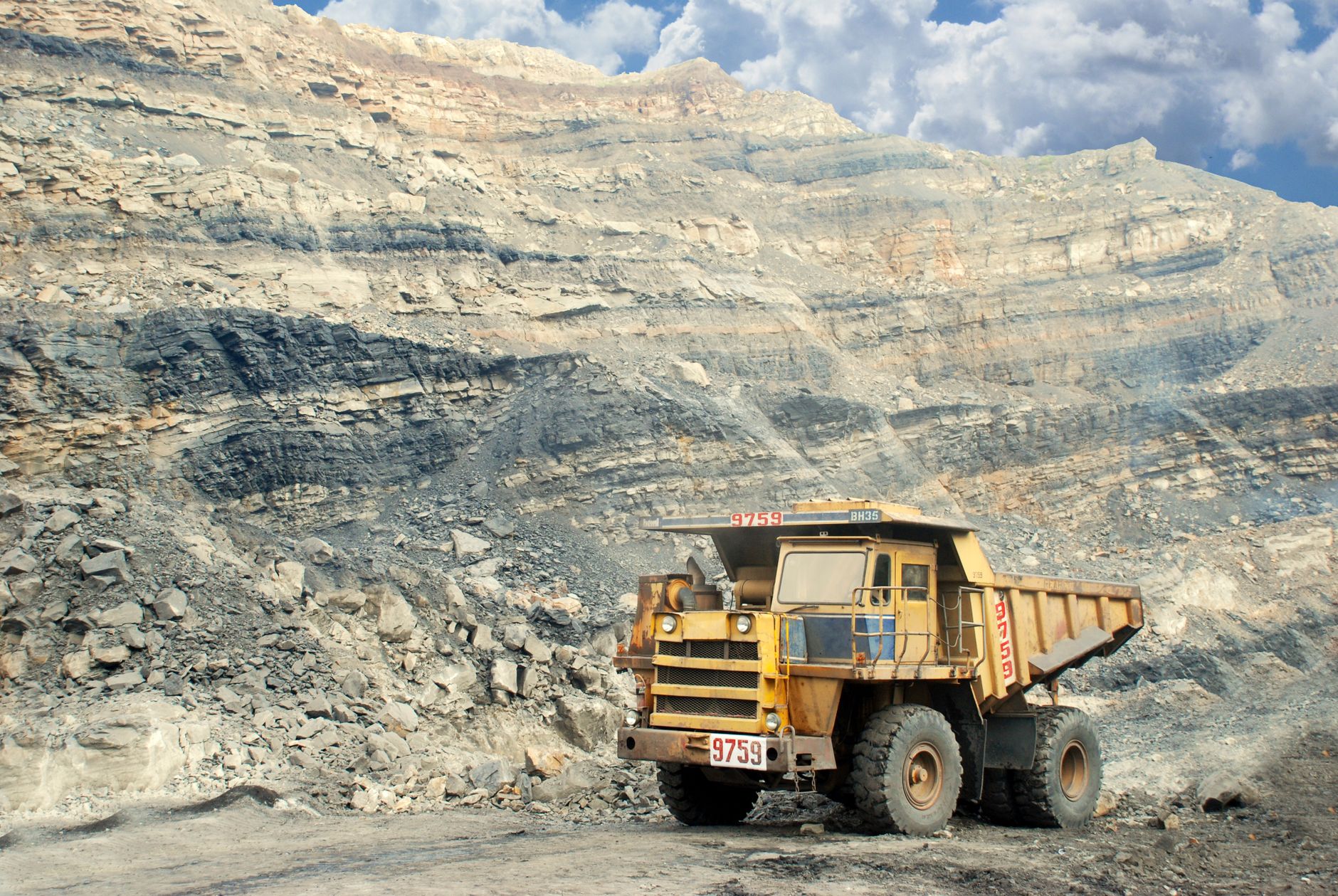
A mobile breakdown response on a night shift
A crusher trips at 2 a.m. and the operator reports a bearing temperature alarm. The electrician is two kilometers away at the substation, with no signal in the lower ramp. Using a rugged tablet, the operator opens a breakdown ticket with the crusher asset ID, the alarm code, and a photo of the display. The record saves locally. When the electrician reaches the surface, the ticket syncs, the planner sees it, and parts availability shows that a bearing is in stock at the central store. The repair closes with time stamps, parts used, and root cause notes all attached to the crusher’s history.
An inspection that becomes an audit-ready work order
A technician completes a daily inspection on a conveyor belt and records a torn idler. The inspection checklist is linked to the asset, so the finding creates a corrective work order automatically rather than through a separate email. The work order carries the inspection date, the inspector’s ID, the photo evidence, and the parts requested. Months later, when an auditor asks why the idler was replaced, the trail runs from the original inspection through the repair to the closure, with no gaps and no re-keyed data.
Turning the Checklist Into a Scored Evaluation
Once you have answers to the questions above, convert them into a simple scoring sheet. Give each area a weight that reflects your site’s reality. A remote pit with weak signal should weight offline capture and sync heavily, while a surface operation with good coverage might weight reporting and integration more.
Score each vendor from one to five on every verification question, and require a live demonstration for any score above three.
Then run a short proof of work before signing anything. Two to four weeks with a few crews on real assets is usually enough to surface sync problems, data mapping gaps, and training issues. Focus the trial on offline capture, asset history accuracy, and whether the reports match what planners see on the floor.
The trade-off is that a proof of work takes time and some pilot effort, but it is far cheaper than discovering record loss after rollout. mining maintenance software that passes that test will usually hold up through the next breakdown season.
You May Also Like
- CMMS on Android for field crews: when mobile maintenance fails and what to fix
- Maintenance Request System Checklist for Mobile Field Crews: What to Capture at Intake
- What to require in a maintenance job application workflow for mobile field teams
- Maintenance record app feature comparison for equipment histories: inspection, work orders, and repair trails
- Application maintenance service comparison: internal team, vendor, and third party support