CMMS programs versus preventive maintenance apps: choosing software for scheduled work in the field
Why Scheduled Work and Service Records Keep Drifting Apart
If you’re shopping for a preventive maintenance app, you’ve probably noticed that vendors use the same words for very different products. One calls itself a CMMS, another a maintenance app, and a third a mobile work order tool. Buyers end up comparing features that don’t line up. Half the demos you sit through will show a beautiful dashboard. But the real question is what happens on a Tuesday morning when a technician is standing in a cold plant room with a wrench in one hand and a phone in the other.
The underlying problem is simple. Technicians have to finish scheduled work on time, and someone has to prove it later. A skipped oil change on a delivery van or a missed lockout check in a plant doesn’t show up until something breaks. An auditor asks for paperwork. The software you choose largely decides whether that record exists at all. In practice, most maintenance teams do not lose records because they are careless. They lose them because the easiest path in the moment is to do the job and promise to log it later, and “later” often never arrives.
A CMMS program is a broad system that manages work orders, assets, and maintenance history across an organization. A preventive maintenance app is usually narrower. It focuses on scheduled tasks and field capture. Multi-site operations with audit demands usually need the broader program. Teams mainly worried about missed inspections can often manage with the narrower tool. The difference is less about how many buttons a product has. It is more about whether the software is designed around the schedule or around the asset and its full lifecycle.
This topic belongs to the wider world of computerized maintenance management, which covers everything from work orders to equipment histories. Below, we separate the labels from the functions and compare the options one criterion at a time. We will also look at where each option tends to break down, because that is usually where the real cost shows up.
Three Categories Hiding Under Similar Names

A computerized maintenance management system, usually shortened to CMMS, is the older and broader category. The Wikipedia overview of computerized maintenance management systems describes these tools as software that centralizes maintenance data and helps plan, schedule, and track work. Large platforms such as IBM Maximo and SAP Plant Maintenance, which is a module inside SAP ERP, sit in this group. They tend to be configured over weeks or months, not days. That setup time is not wasted. Someone has to define asset classes, failure codes, labor rates, and approval paths, and those decisions shape every report you will pull for years.
The second category takes the opposite approach. It starts from the schedule. Its main job is creating recurring tasks on time, assigning them, and recording that the work happened. Many of these tools are sold as a preventive maintenance app to small and mid-size fleets or facility teams, and they usually include only the features those teams need. Setup often takes a few days rather than a few months. The tradeoff is that the data model is usually thinner. You may find that a pump, its motor, and its coupling are all just “assets” with no parent-child relationship. This is fine until you need to know how often a specific motor failed across three sites.
The third option is a mobile-first preventive maintenance application. It isn’t really a separate product type so much as a design choice. The screens, offline behavior, and photo capture are built for a technician standing next to a machine with gloves on. Some full CMMS products now offer this too; Maximo, for example, runs preventive maintenance work orders through a mobile client. The label alone won’t settle your decision. When you evaluate a mobile-first tool, open it on a phone in a basement or a parking structure where the signal drops. That single test tells you more about field readiness than any marketing page.
CMMS Programs and Mobile Tools Side by Side
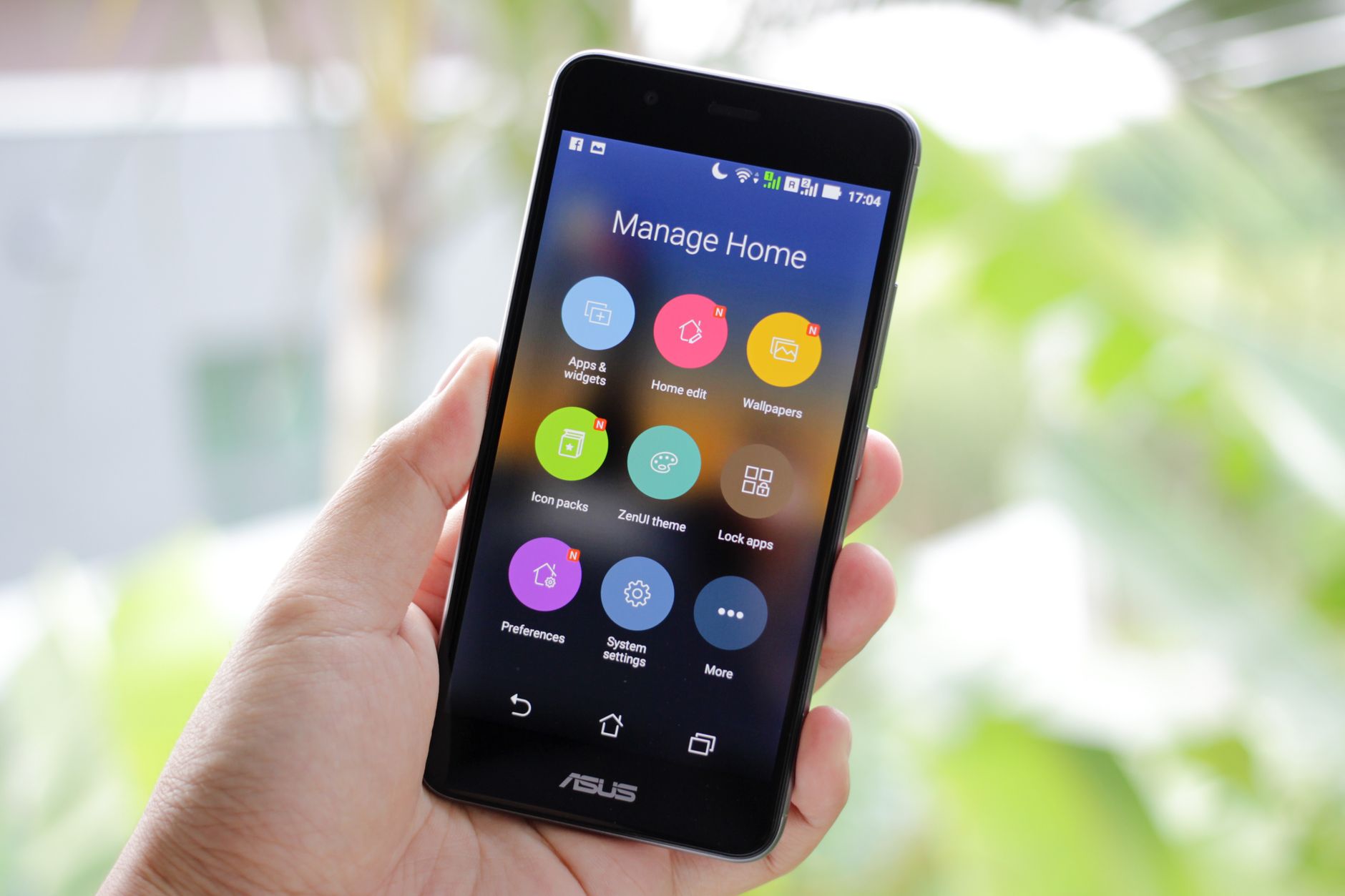
The table below compares the three options across nine criteria. Treat each cell as a general pattern, since individual vendors differ widely and products change often. Use it as a checklist for your own demos rather than as a final ranking.
| Criteria | (A) CMMS programs | (B) Preventive maintenance app | (C) Mobile-first PM application |
|---|---|---|---|
| Work order generation from schedules | Calendar and meter-based triggers, usually with approval routing | Recurring tasks created on time, with simpler routing | Same triggers as B, pushed to phones when they fire |
| Asset hierarchy support | Deep: sites, systems, equipment, and components | Flat or light, usually an asset list with basic grouping | Varies, often mirrors its parent tool |
| Service history reliability | Strong when enforced, with history tied to parts and labor | Good for completed tasks, weaker on linked costs | Depends on whether closing a task on the device is required |
| Offline field capture | Often limited on older web-first systems | Frequently limited | Core design goal, with sync when signal returns |
| Role permissions | Granular roles, approvals, and audit trails | Basic admin and technician roles | Usually basic roles, sometimes tied to the desktop tool |
| Integrations (ERP or imports) | Common, including ERP and accounting links | Mostly CSV imports and a few connectors | Follows the connectors of its platform |
| Reporting for preventive intervals | Compliance and backlog reports across sites | Overdue and completed task reports | Mobile summaries plus desktop exports |
| Cost structure | Subscriptions plus modules, often priced per user | Per-user or per-asset subscription, often one tier | Subscription tiers, so check whether mobile is an add-on |
| Fit for fleet maintenance record keeping | Strong for regulated or multi-depot fleets | Good for small fleets with clear service intervals | Good when drivers or technicians log work on the road |
Notice that the cost row is the hardest to compare directly. Module-based pricing can look cheap until you add approvals, inventory, and integrations. Ask every vendor for a quote that includes the features you actually need. Ask them to name the add-ons that people usually buy six months after signing. Many teams are surprised to find that the mobile client, which they assumed was included, is sold as a separate tier.
When you compare the reporting row, look closely at what each report actually counts. A “completed on time” metric can mean the task was closed within a window, or it can mean the work was performed on the due date. Those are different numbers, and they will lead to different conversations with your operations leaders. Decide on your definitions before you build dashboards, not after.
When a Preventive Maintenance App Is Enough
A focused tool is usually enough when your main job is making sure scheduled work happens and gets recorded. Picture a shop with twelve service vans and a small building crew. Each van needs service at fixed mileage or time intervals, and the crew swaps HVAC filters every quarter. A focused app handles that well, and the technicians can learn it in an afternoon. The supervisor can see which vans are coming due next week, and nobody has to maintain a complicated asset tree just to get basic reminders.
The trouble starts when the questions change. If an auditor asks who approved a deferred repair, or which parts went into a rebuild last spring, you need approval routing and parts linkage. That’s where a broader CMMS starts to earn its cost. Some teams start small and migrate later, so it’s worth asking how hard that move would be before you commit. Ask the vendor whether you can export every completed task with its notes, attachments, and timestamps in a format you can read without their software. If the answer is vague, assume the migration will be painful.
Fleet Record Keeping Is Where Gaps Hurt Most
Fleets face some of the strictest record-keeping rules. In the United States, motor carriers operating under federal rules must keep maintenance and inspection records for their vehicles. The regulations spell out what each record should contain. The requirements sit in 49 CFR Part 396 on the eCFR, which is worth reading before you define your software requirements. Read the actual text rather than a summary from a vendor, because the required elements and retention periods matter when you configure your forms.
Missing history during technician downtime is one of the most common failures in fleet operations. A technician finishes a brake job at a remote yard and writes it on a paper form. The form stays in the cab. Two weeks later, the scheduler generates another brake inspection, because nothing in the system shows the first one happened. Nobody did anything wrong, but the record is incomplete. Multiply that by forty trucks and three depots, and your compliance file starts to look like a guess. The fix is rarely a better policy document. It is usually a form that cannot be saved without the right fields filled in.
A preventive maintenance app with offline capture closes that gap, as long as the device syncs before anyone needs the record. Check whether closing a task on the phone is required or merely optional. Optional closes produce gaps, because the easy path is to skip them. If you’re also weighing how each equipment record should be structured, a maintenance log app guide can help you decide which fields to require. Pay attention to odometer or engine-hour fields, because a brake job logged without a reading is hard to place on a timeline during an audit.
Facility teams face the same problem with different equipment. A boiler inspection history or a chiller service log is only useful if it lives in one place. Organizations that run many buildings sometimes need facilities management system software once rooms, systems, and tenant requests all need a shared record. Fleets and facilities both benefit from forcing a single source of truth early. A useful test is to ask a technician to find the last three services on a specific unit without help. If it takes more than a minute, your record keeping is probably scattered across too many places.
Your Questions, Answered
Which option reduces missing service history during technician downtime?
Offline-capable mobile capture reduces gaps most directly. When a technician can close a task without signal and the record syncs later, the history exists even if the truck sits in a dead zone for a day. A CMMS program with a mobile client can do the same, but only if the field app is configured to match. Check that the app blocks closing a task without required fields, such as the meter reading and parts used.
Can a preventive maintenance app handle recurring schedules with approvals?
Most tools handle recurring schedules without much trouble. Approvals are the variable. Some tools let a supervisor sign off on a completed task. Fewer let you route a deferral request to a manager and hold the schedule until it’s approved. If approvals are a hard requirement, ask the vendor to demonstrate a deferred-task workflow during your trial, rather than simply describing it.
What data is hard to migrate from spreadsheets?
Asset hierarchy and historical meter readings are usually the hardest. Spreadsheets often store the same pump under three different names, and nobody remembers which parent system it belongs to. Meter histories also tend to have gaps where someone forgot to log a reading. Clean up the asset list before importing, and decide how far back you really need history. Several years of completed work is useful. Decades of scanned notes rarely are.
When should predictive maintenance be considered alongside preventive maintenance?
Predictive work makes sense when you have reliable condition data, such as vibration, temperature, or oil analysis readings, plus enough failure history to act on them. Preventive schedules still cover most assets and set the baseline. Many plants run both, with time-based tasks for simple equipment and condition-based triggers for critical rotating machines. The Wikipedia article on condition monitoring gives a useful starting vocabulary if you’re building that program.
Does a preventive maintenance app replace a CMMS?
Not always. For a single site or a small fleet, a focused tool can replace a legacy system and cost less to run. For multi-site operations, the switch often means losing approvals, inventory linkage, or ERP integration you might still need. Test those capabilities before you migrate, and keep the old system read-only until the new history is verified.
Should I start with a free preventive maintenance software option?
Free tiers and trial plans can be useful for a pilot, especially if you want to test how technicians respond to a mobile form before spending money. Be careful with the limits, though. Free plans often cap the number of assets, users, or stored attachments, and they may lack export tools or offline sync. A good pilot uses a real subset of your schedule for four to six weeks. If the free version holds up under that test, you have evidence for a paid decision. If it doesn’t, you have learned exactly what to require from a paid product.
How do CMMS mobile apps differ from the desktop version?
On many platforms, the mobile client is a trimmed view of the desktop system. It may handle work order completion, photo capture, and meter entry well, while leaving complex planning, bulk editing, and reporting to the desktop. Before you assume parity, list the five actions your technicians perform most often and confirm that each works on the phone with no signal. Those five actions should define the mobile requirement, not the vendor’s feature list.
How long should maintenance records be kept?
Retention depends on your industry, your jurisdiction, and the asset type. Some fleet rules require records to be kept for a set period after a vehicle leaves service, and some facility inspections have their own schedules. Ask your compliance or legal team for the specific rule, then configure your software to enforce it. Retention should be a system setting, not a reminder that someone has to remember.
Choosing Based on Audit Needs and Field Reality
The decision rule is simpler than most vendor marketing suggests. If you must generate and audit work orders and history across many assets, a CMMS program usually fits. If your priority is scheduled inspections and reliable capture in the field, a preventive maintenance app may be enough. Many disagreements between operations and finance come from people answering different versions of this question.
Before you commit, write down your three hardest audit questions and your worst downtime scenario. Then run a trial with real schedules instead of demo data. Watch what happens when a technician loses signal halfway through a task. Watch what happens when two people try to close the same work order. That single test reveals more than most feature checklists. Also ask a supervisor to pull a compliance report unassisted, because if they cannot, the report will not be used when it matters.
Pick the option whose failures you can live with, and make sure those failures are the ones you’ve already tested.
About this guide: This article is written from an operations and maintenance perspective, based on how CMMS programs and preventive maintenance tools are generally structured. It does not evaluate specific vendor products.
Related subtopics:
- Maintenance log structure and required fields
- Fleet maintenance record keeping rules
- Offline capture for technicians in the field
- Migrating maintenance data from spreadsheets
Related Topics
- The preventive maintenance app requirements checklist that prevents missing service history
- Maintenance management for mining operations: choosing a software fit for harsh environments
- CMMS on Android for field crews: when mobile maintenance fails and what to fix
- Maintenance Request System Checklist for Mobile Field Crews: What to Capture at Intake
- What to require in a maintenance job application workflow for mobile field teams